

Getting Started
The Monta API enables you to develop your own use cases around Monta-managed charge points, e.g. present them within your own solutions, start/stop charges or just import information into your CRM tool to have all business relevant data in one place.
Getting Access
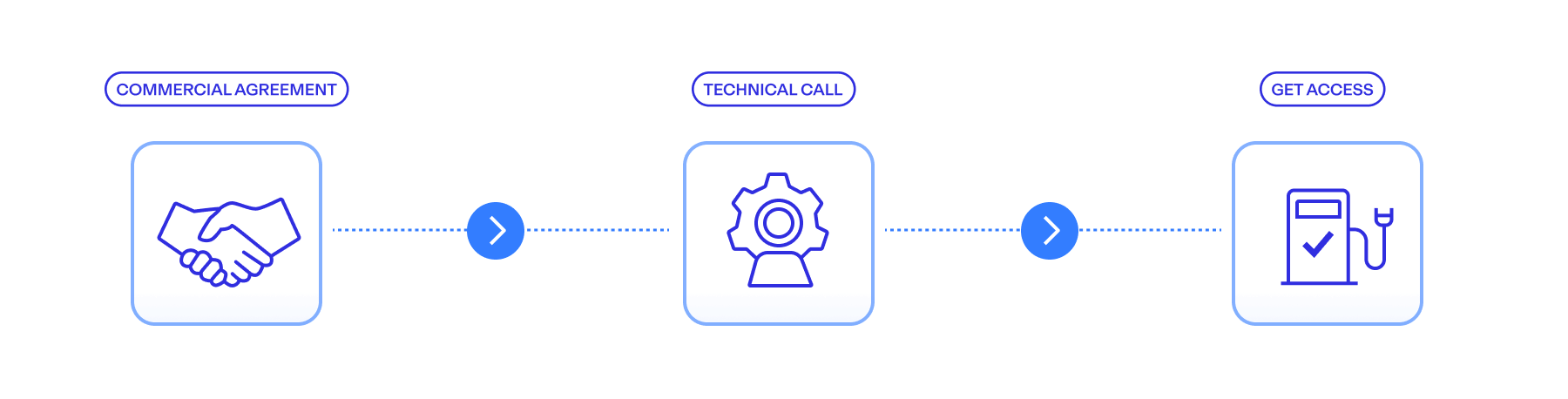
In order to get access to the Monta API, you need to:
- Get in touch with your Monta representative to discuss your use case and establish a commercial agreement for Monta API access.
- Once the commercial agreement is in place, our technical team will introduce your engineers to the Monta API and guide you through the integration process.
- After access has been enabled for your organization, you can create API credentials directly in Monta Hub.
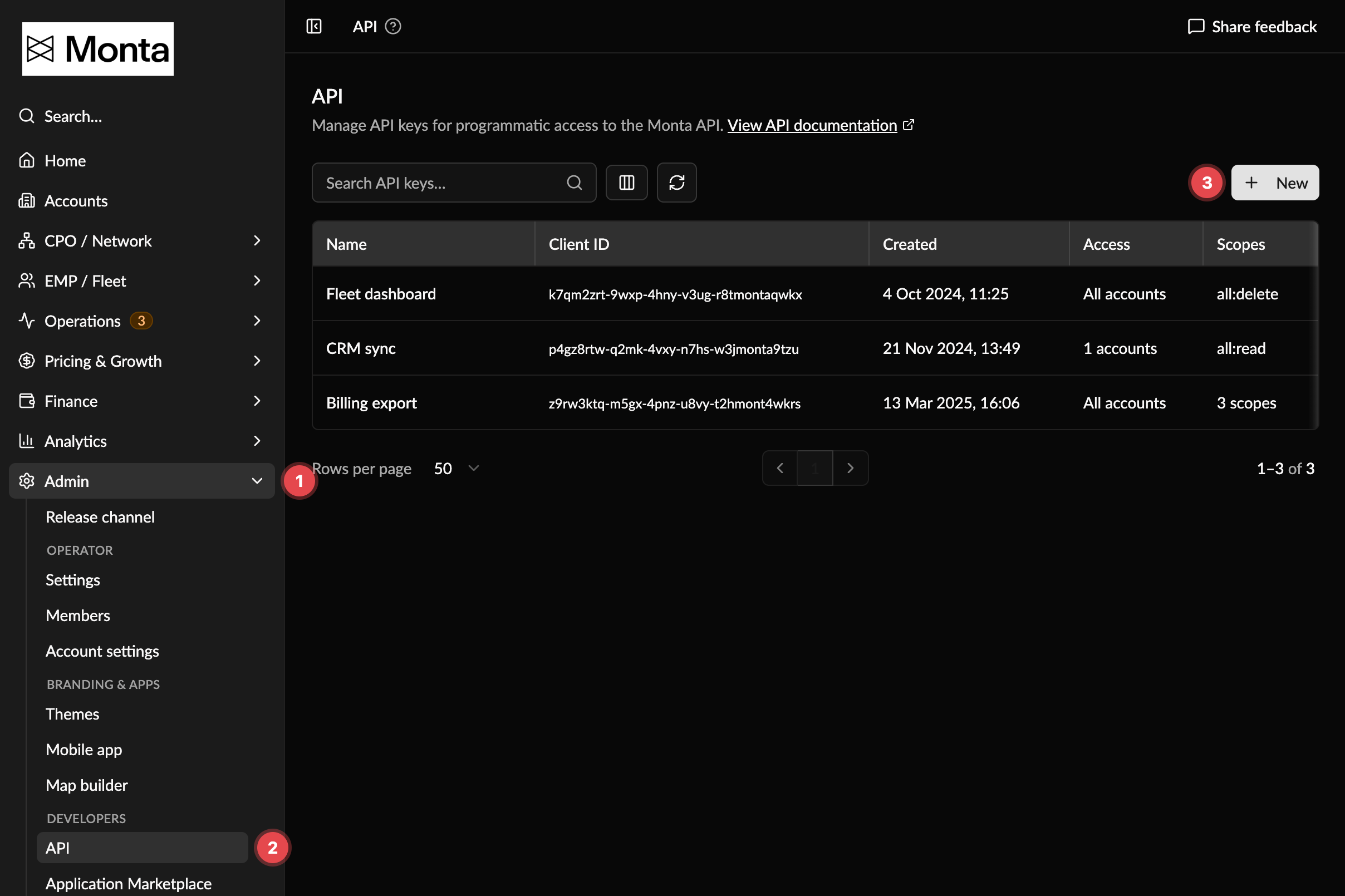
To create credentials, sign in to Monta Hub as an Operator Admin, then:
- Open Admin in the sidebar.
- Under Developers, select API.
- Click New, name the key, pick its scopes and the accounts it can access, then click Create.
Note on permissions
Each API credential is created with specific permission scopes and optional team restrictions, defining what data and actions your integration can access. You can review and manage these at any time in Monta Hub. For more information:
Authentication > Scopes
Authentication > Access Control
Make your first API request
Once you have created your API credentials, you can authenticate and make your first request in just a few steps.
Step 1: Exchange credentials for an access token
Use your clientId and clientSecret to request a short-lived access token from the authentication endpoint.
👉 See API Reference > Authentication page for the full request and response details.
Step 2: Call the API using the access token
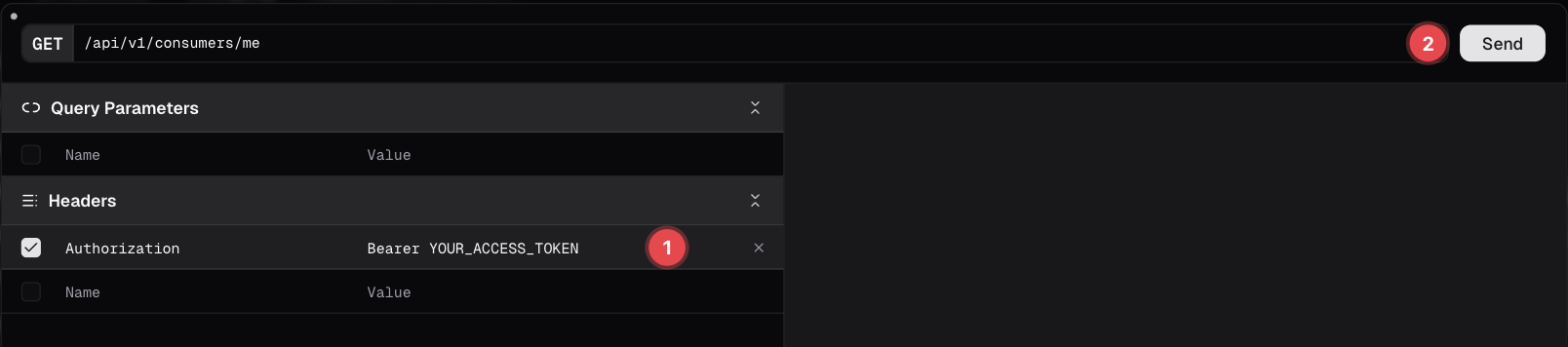
Include the returned accessToken in the Authorization header as a Bearer token for all subsequent API requests.
Code
You can also test endpoints directly in the documentation: click Test on an endpoint, add an Authorization header with the value Bearer YOUR_ACCESS_TOKEN and click Send.
Try it out here: API Reference > /consumers/me
Changelog
See: Changelog